
What is Meta AI?
Meta AI is a smart assistant created by Meta (the company that owns Facebook). It is powered by a very advanced technology called Llama 4. Think of it as a highly intelligent “digital buddy” that lives inside your phone.
Unlike older versions of AI that could only handle text, the 2026 version of Meta AI is “multimodal.” This means it can “see” images you upload, “hear” voice notes, and even “watch” videos to help you understand them. The best part? For most people, it is completely free to use.
Key Features You Should Try Today
Meta AI has added several “mind-blowing” features recently. Here are the ones people are using the most:
1. The “Imagine” Tool (AI Images)
You can create any image just by describing it. If you type /imagine a cat wearing a space suit on Mars in a WhatsApp chat, the AI will create that image for you in seconds. In 2026, you can even use Imagine Me, which lets you see yourself in different scenarios—like an astronaut or a superhero—based on your profile photos.
2. Reels Remix and Video AI
If you are a creator, Meta AI is now a powerful editor. It can take a long video and automatically find the best “hooks” to turn it into a short Reel. It can even translate your videos into other languages while keeping your actual voice, making it easy to reach people all over the world.
3. Smart Search and Planning
Instead of scrolling through Google, you can ask Meta AI directly in your search bar. For example:
-
“What are the best vegan restaurants in London open right now?”
-
“Plan a 3-day trip to Tokyo for a family of four.”
-
“Summarize this long PDF into five bullet points.”
4. Personal “Superintelligence”
Meta is moving toward what they call Personal Superintelligence. This means the AI starts to learn your habits. If you often ask about healthy recipes on Mondays, it might start suggesting meal plans before you even ask.
Where Can You Find Meta AI?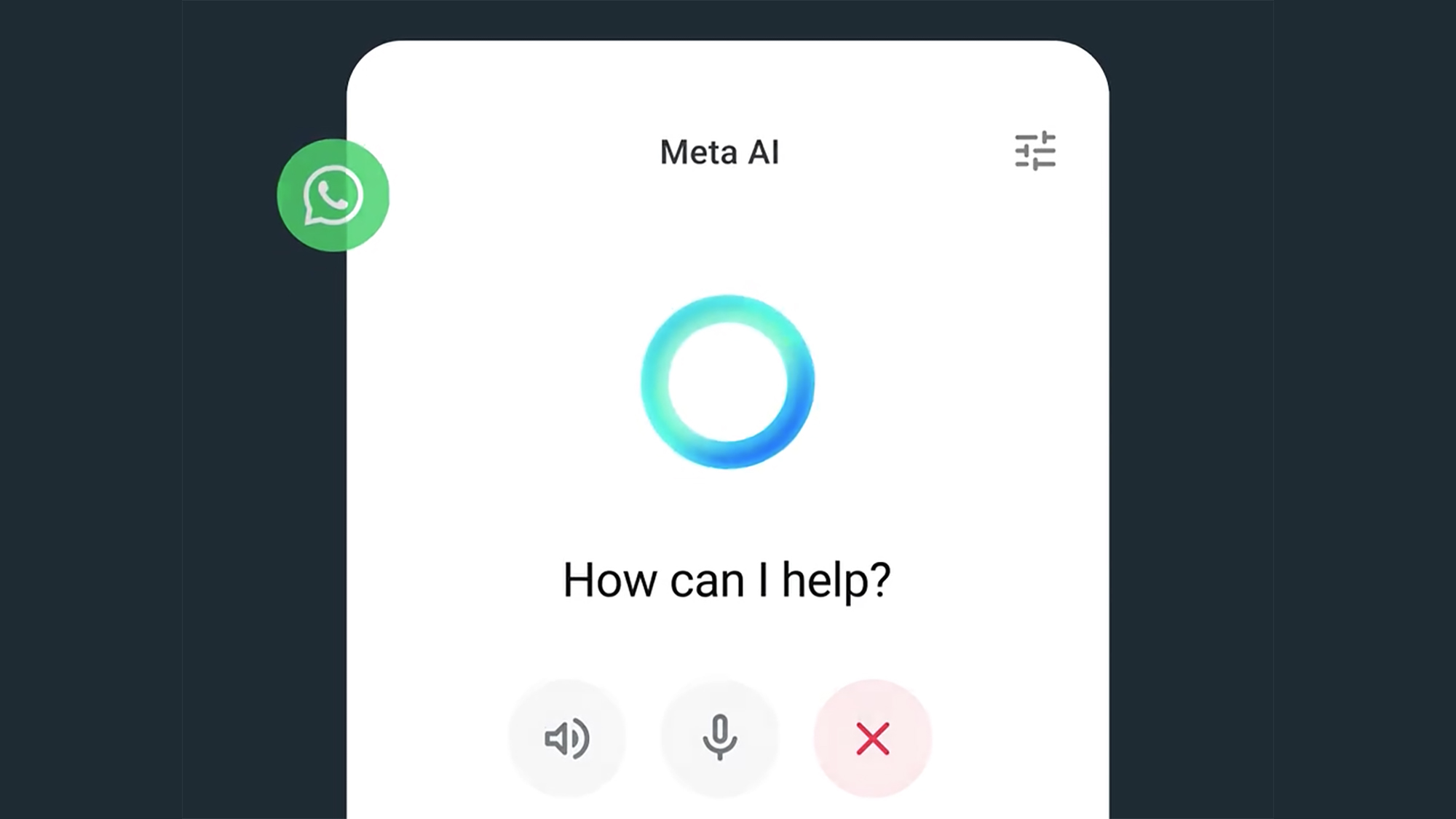
You don’t need to download a new app. You can find Meta AI in three main places:
-
The Search Bar: On Facebook, Instagram, and WhatsApp, look for the colorful circle icon in the search bar.
-
Direct Messages (DMs): You can start a chat with Meta AI just like you would with a friend.
-
Ray-Ban Meta Glasses: If you wear Meta’s smart glasses, you can just say “Hey Meta” and ask questions about what you are looking at in real-time.
Is it Free? (The “Freemium” Model)
For most of 2024 and 2025, everything was free. However, in 2026, Meta has introduced a “Freemium” model.
-
Free Version: You get unlimited chat and basic image generation.
-
Premium Version: If you want to use the most powerful model (like the one codenamed “Behemoth”) or create hundreds of high-quality AI videos, there is now a subscription option. This is mostly for power users and business owners.
Privacy: Is Meta AI Safe?
A common question is: “Is the AI reading my private messages?” Meta states that while the AI learns from public posts and interactions with the chatbot itself, your private end-to-end encrypted messages on WhatsApp and Messenger stay private. The AI only “sees” what you explicitly send to it.
In 2026, Meta also added clearer “Opt-Out” settings, allowing you to tell the AI not to use your data for training its models if you live in certain regions like the EU or UK.
Why Meta AI is Different from ChatGPT
While ChatGPT is great for deep research, Meta AI has one big advantage: Convenience. You don’t have to leave the app you’re in. If you are chatting with a friend about dinner, you can “tag” Meta AI in the group chat to find a restaurant and book a table without ever closing WhatsApp. It is designed to be a part of your social life, not just a tool for work.
Final Thoughts: Embrace the Assistant
Meta AI is changing the way we use the internet. It is moving us away from “searching” for information and toward “asking” for results. Whether you use it to write a funny birthday caption or to organize your entire work week, it is a tool meant to save you time.